
Open the Middle Chapter
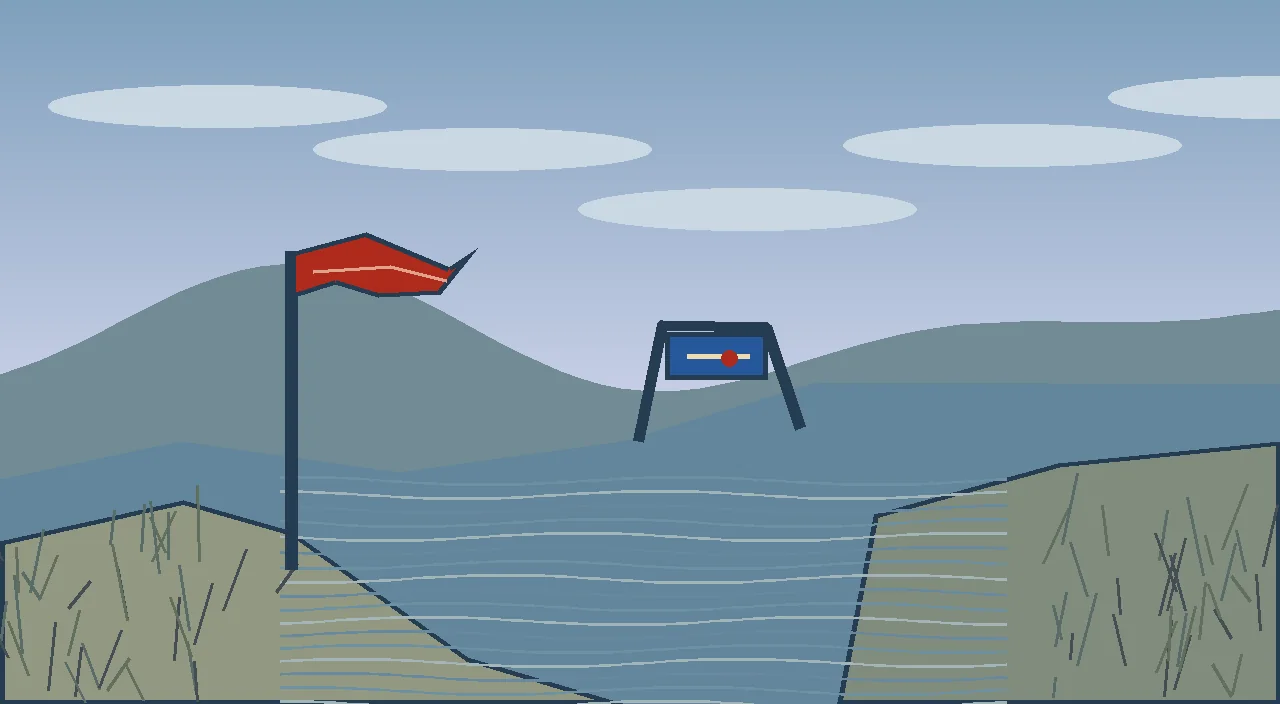
It is possible to begin at the shutter. It is also possible to open the sensor directly. A reader following a link from an earlier report might find the heading and skip the beginning of the chain. The first cut illustrated a small gate under the reeds without saying what it had read. After using the guide, the reader could recognize the place but not its role. Give the middle scene a little context, and make it possible to find the original change in one step.
An internal link can open a complete chapter
Give the sensor a heading with a stable fragment address. Start its description with the observed action and the next response. A short caption states which flag change the current figure used. Link to the opening field if a reader wants the full setup. Link to the shutter if they want to see the later result. The body can preserve what the sensor reported before giving either path. That is enough to make the section worth opening by itself.
The fixed guide stays to one side on a wide screen. It has visible links for the opening flag, the middle sensor and the farther shutter. On a phone, it can sit at the top of the page with fewer distractions. Keep the three direct targets. A sticky element should leave enough space for the heading at the point of entry. If a device enlarges the heading, make room rather than allowing it to overlap the illustration. The ordinary links should remain useful without any animation.
Make the guide different from an action in the game
The person selecting the middle section has moved in the document, not in the virtual mechanism. The report can say where the story has paused. It should not imply a choice occurred because someone navigated to it. A concept’s play sketch has its own small controls for a starting flag time or bell moment. Those actions can update their own visible result. The guide links stay as page links. Both have a role but should not share an ambiguous label like next.
At the lower part of a chapter, open the full case and return. It should keep a named way into the relevant stage. A visitor can take the fixed guide directly to the rotor or shutter they read about. Give that stage the same role in its figure. If a later work update rearranges the chapter, keep the corresponding heading fragment in place. Captions can explain a changed photo-like view without changing the name of the virtual object.
Begin from the middle, then return by keyboard
Open Consequence Chapters and find the Finch Gate section. Use the link from its figure to Follow the Sensor Before the Storm. Return to the front page with the chapter guide. Pick the middle link. Ask what the sensor learned and which scene comes after it. If someone has to open another link just to find the subject of the chapter, add a small condition beside its first description. A reader should be able to recall this after returning to the archive from its current title.
Repeat on a phone and with larger text. Confirm that the visible heading is still clear of the guide. The current link should have a useful name after another line wraps. Try the first chapter and jump straight to the last one. Each can state where it sits in the virtual sequence. The pictures and captions remain available in document order, including the first state needed to explain a later rendering.
A Tick at Finch Gate has the longer play loop. The guide is there to help readers reach useful evidence while looking at its first public study. A bigger game can have another method for recording progress. This little navigation test already supplies a way into its middle that is readable and recoverable. A later proof can retain the original evidence while improving how a person happens to arrive at it.